
Eco Construct, in your browser
Nova Research's node-based CAD, simulation and fabrication suite — with Qnodus™, Ecovoltra's own model, built in. Approved alpha testers launch a private cloud session straight from this page.
One graph, from field to fabrication
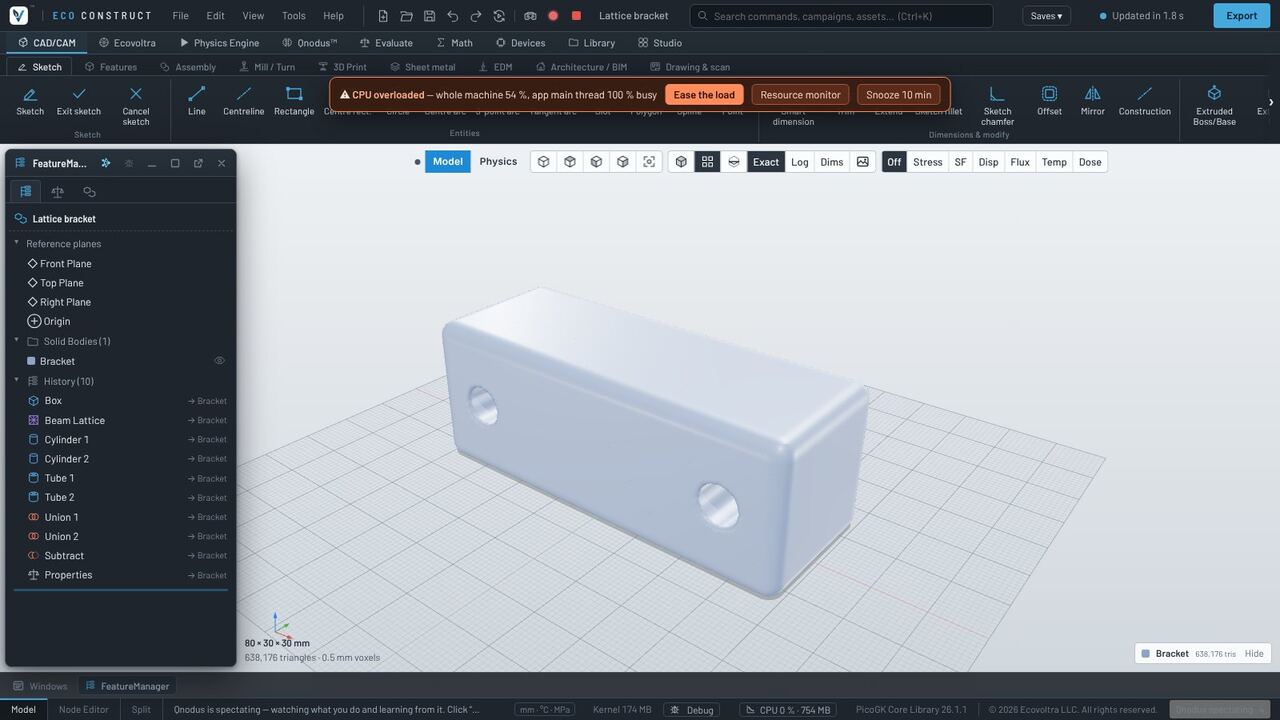
Scientific software, not a game
Connect nodes to define parts, assemblies, fields and parameters, and the model updates live. Under the graph sit the PicoGK and OpenVDB voxel kernels and an OpenCascade B-rep kernel, so lattices, channels and windings live in the same part as precise CAD faces — then go to CAM, PCB, FEA or the physics engine without leaving the file.
Simulations use real physical figures and units: what you test on screen means something on the bench.
- Ecovoltra's own language model, built into Eco Construct
- Reads your graph and campaign results, proposes interventions
- Qnodus Core runs on your session machine, not a shared server
Each launch starts a private Windows machine for you alone, running the full Eco Construct alpha, and opens it in this browser. Nothing is installed on your computer. Nobody else shares it, and it is deleted when you finish.
Launch Eco Construct
Checking your access…
Request received
Your account is on the alpha list. We approve testers in batches and email you when yours is ready.
Not in this alpha round
This account isn't part of the current alpha. Questions: [email protected].
Sessions are paused
Your account is approved. Cloud sessions are offline right now — check back shortly.
Ready when you are
- per session
- Ends after idle
- left today
Session storage is wiped when the session ends — download your exports before you close it. Features that would control a computer or hardware (virtual machines, git, device debugging, drones, Bluetooth and serial devices, external engines) aren't part of the cloud alpha.
Starting your session
- Starting a private machine
- Loading the engine and Qnodus
- Opening Eco Construct
First start takes a few minutes while the machine boots. You can leave this tab open; it continues by itself.
Your session is ready
Eco Construct opens in a new tab. Keep this tab to end the session when you're done.